 Techieword Technology Blog that posts articles about latest technology, trends, SEO, Gadgets, Facebook, Blogging and lot more.

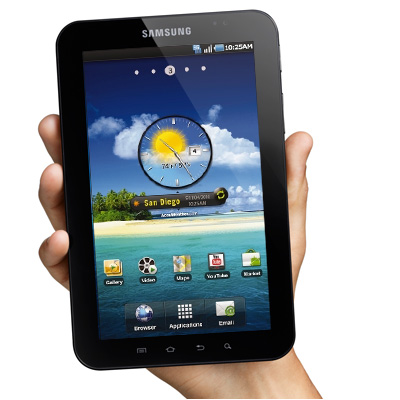
Bored by using the Android 2.2 on your Galaxy Tab 7? It’s time to get changed now as Ice Cream Sandwich for Gala Tab 7 is available now. Check out this guide to install the same.
Disclaimer
The upgrade process may result in data loss or some serious damage as well. So proceed at your own risk. We shall not be responsible for any damage that occur to your device.
Prerequisites
- It’s good to take the backup of data so that if anything goes wrong, you can revert to the normal point.
- Charge the battery to at least 85 percent mark. Make sure to start with this minimum mark so that power may not interrupt your way.
Procedure to Get Ice Cream Sandwich for Galaxy Tab 7
- Download the Ice Cream Sandwich for Galaxy Tab 7 from here.
- Download Odin from here.
- Press the Volume Down and Home buttons simultaneously. Long press of both will result as the appearance of Android Robot. This is Download Mode.
- Open Odin on your computer and then connect your mobile to computer using the USB cable.
- One of ID:COM boxes will turn yellow on successful connection. If it does not, then reconnect your device.
- Click on the ‘Start’ button to initiate the installation process.
- Your Galaxy Tab 7 will restart on successful installation.
That’s it. You are successfully done with the process to get Ice Cream Sandwich for Galaxy Tab 7. The process is quite simple but if you face any problem, then do let us know about it via the comment section below.